Dragon Tower Defense Official Links & Wiki Map
Roblox place, Discord, wiki hubs — and a clear note that there is no Trello.
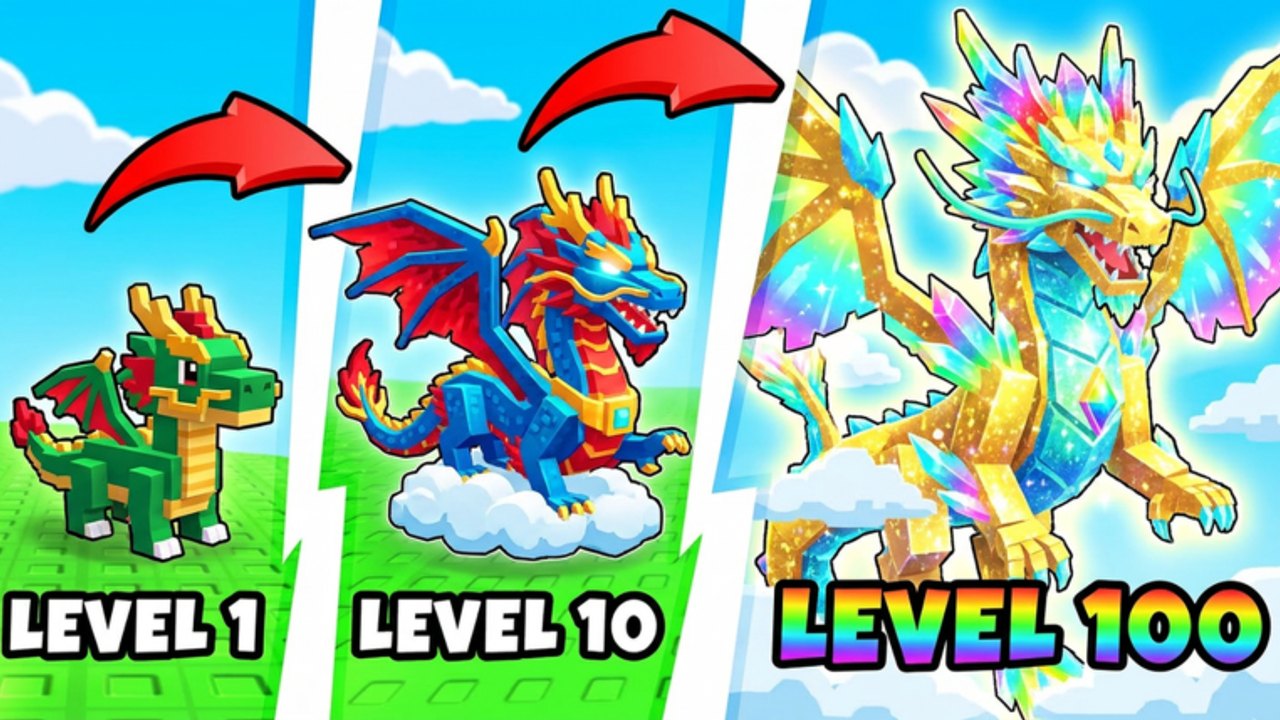
This Links Hub is the map of trustworthy destinations for Dragon Tower Defense (Roblox) by Big Gumdrop Studios. Use it when you need the official game page, the Discord for Saturday announcements, or a quick jump list into this fan wiki’s codes, guides, tier lists, and tools. Everything below is locale-agnostic so language versions of the site can localize paths automatically.
Official destinations
- Play on Roblox: Dragon Tower Defense — universe ID
10771908014, the live place for summons, waves, trading, and quests. - Discord: discord.com/invite/W2EvwzMxqC — join for Saturday update notes, code drops, and community help.
- Trello: None. Big Gumdrop Studios does not maintain a public Trello board for this game. If someone shares a “official Trello,” treat it as unofficial unless Discord staff confirm otherwise. Track roadmaps and patches via Discord and the Updates Hub instead.
This site is an unofficial fan wiki. We are not affiliated with Roblox Corporation or Big Gumdrop Studios; always verify rewards and patch claims in-game.
Wiki map — start here
Progression
- Guides Hub — overview of every walkthrough.
- Getting Started — lobby, shop, first summons, codes, quests, playtime rewards.
- Dragon Evolution — eggs, duplicates, AoE → ST → support priority.
- Farm Coins & Gems — potions, luck, efficient clears.
- Solo Nightmare — cheapest solo methods and difficulty ladder.
Meta and collectors
- Tier List Hub — current rankings.
- Dragon Roles — AoE, boss, support framing for Prism, Void, Fire, Candy King, and more.
- Players Hub — trading, co-op up to four, scams, Index collecting.
Free rewards and utilities
- Codes Hub — live promo list (e.g. candy, secret).
- How to Redeem Codes — Shop → Codes box → Redeem.
- Tools Hub — codes checklist, pre-match loadout checklist, evolution priority checklist.
- Scripts Hub — third-party script discussion with safety warnings.
- Updates Hub — Saturday cadence and post-patch habits.
Quick facts for link context
- Released ~19 October 2026, 2M+ visits and growing.
- Core loop: summon dragons from eggs, evolve them, defend waves.
- About 37 dragons, six maps, six difficulties with bosses.
- Systems: trading, talents, daily + weekly quests, Index, free playtime rewards / free summons.
- Updates: typically every Saturday.
How to use Discord with this wiki
- Join Discord and mute noisy channels if needed; keep announcements on.
- When a Saturday message lands, skim balance and code lines.
- Cross-check codes on /codes/ and redeem in-game yourself — never share passwords.
- If Discord describes a new dragon or map, open the matching guide or tier page and update your Tools checklists.
- Ignore random DMs selling “free Nightmare carries” for account logins.
Safety notes
Phishing links often mimic Roblox login pages or fake Trello boards. Stick to the Roblox URL above, the Discord invite above, and paths on this wiki. Codes redeem inside the game Shop UI only. Trading advice lives on Players; do not trust third-party “middleman” sites.
Contribute by playing carefully
The best way to keep this wiki accurate is to play the Saturday build, note what changed, and compare it to Discord. When economy or evolution steps shift, the Guides Hub articles are the first places to reread. When roles shift, revisit the tier list before large trades.
Bookmark this Links Hub beside Discord. Between the official place, the invite link, and the wiki map above, you have everything required to progress — no Trello required.
Frequently Asked Questions
Quick answers to the most common questions.
Is this wiki official?
No. It is an unofficial fan resource. For official announcements, use the Discord invite and the Roblox game page linked above.
Is there a Dragon Tower Defense Trello?
No. There is no official Trello board. Track updates on Discord and the Updates Hub instead.
Where do I play the game?
On Roblox at the Dragon Tower Defense place (game ID path 103076556916764). Universe ID is 10771908014.
Where are codes listed?
On this wiki’s Codes Hub, with redemption steps on How to Redeem Codes. Confirm new strings in Discord after Saturday patches.
What should new players open first?
Getting Started, then Codes, then the Guides Hub. Use Tools checklists once you know the lobby UI.